How we score Blog Advertise
  1. opendesign.foundation
  2. Displays & pen tablets
  3. Wacom Cintiq 24 Touch
  4. Alternatives

Alternatives to Wacom Cintiq 24 Touch

10 pen displays at a similar price that compete with the Cintiq 24 Touch — what each does better, what it gives up and how the price compares.
Alternatives to the Cintiq 24 Touch

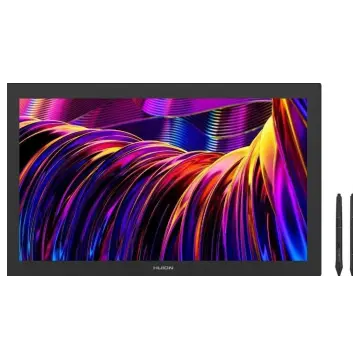
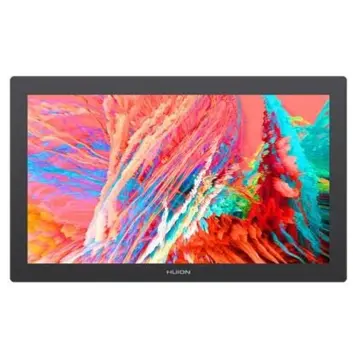
Huion Kamvas Pro 27 144Hz
1
Huion · 2026Kamvas Pro 27 144Hz
6.4
5% pricier ≈ $1,550
  • Pressure levels 16,384 vs 8,192
  • Pixel density 163 ppi vs 123 ppi
  • Response time 5 ms vs 12 ms
  • Brightness (typical) 300 nits vs 350 nits
  • Weight 7.2 kg vs 5 kg
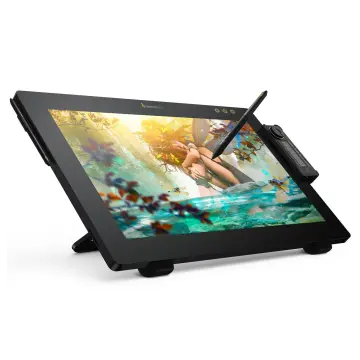
Huion Kamvas Pro 24 (Gen 3)
2
7.8
12% cheaper ≈ $1,300
  • Pixel density 185 ppi vs 123 ppi
  • Pressure levels 16,384 vs 8,192
  • Report rate 260 RPS vs 240 RPS
  • Brightness (typical) 250 nits vs 350 nits
  • Weight 6.37 kg vs 5 kg
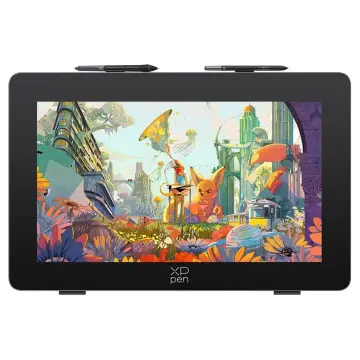
XP-Pen Artist Pro 27 (Gen 2)
5
XP-Pen · 2026Artist Pro 27 (Gen 2)
6.0
22% pricier ≈ $1,800
  • Pressure levels 16,384 vs 8,192
  • Pixel density 163 ppi vs 123 ppi
  • Response time 5 ms vs 12 ms
  • USB-C video input (one cable)
  • Panel type LCD (other) vs IPS
Huion Kamvas Pro 27
6
Huion · 2024Kamvas Pro 27
5.6
6% pricier ≈ $1,550
  • Pressure levels 16,384 vs 8,192
  • Pixel density 163 ppi vs 123 ppi
  • Report rate 260 RPS vs 240 RPS
  • Brightness (typical) 300 nits vs 350 nits
  • Weight 8 kg vs 5 kg
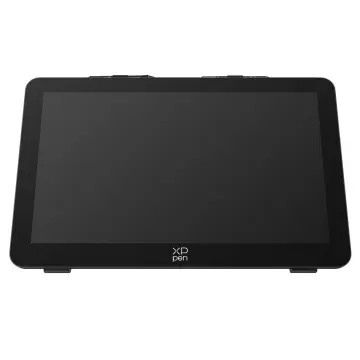
XP-Pen Artist Ultra 16
8
XP-Pen · 2025Artist Ultra 16
9.3
45% cheaper ≈ $810
  • Pixel density 284 ppi vs 123 ppi
  • Pressure levels 16,384 vs 8,192
  • Contrast ratio (static) 100,000:1 vs 1,000:1
  • Active area (surface) 666 cm² vs 1,560 cm²
  • Report rate 220 RPS vs 240 RPS
Huion Kamvas Studio 16
10
Huion · 2023Kamvas Studio 16
9.4
16% pricier ≈ $1,700
  • Pixel density 186 ppi vs 123 ppi
  • Wireless connection
  • Weight 1.7 kg vs 5 kg
  • Active area (surface) 688 cm² vs 1,560 cm²
  • Screen size 15.8″ vs 23.8″
To compare: 0up to 4 models
Compare