- opendesign.foundation
- Compare
- Studio Display vs ProArt PA24US
Apple Studio Display vs Asus ProArt PA24US
What Studio Display does better (3) and where ProArt PA24US wins (1) — every spec side by side.
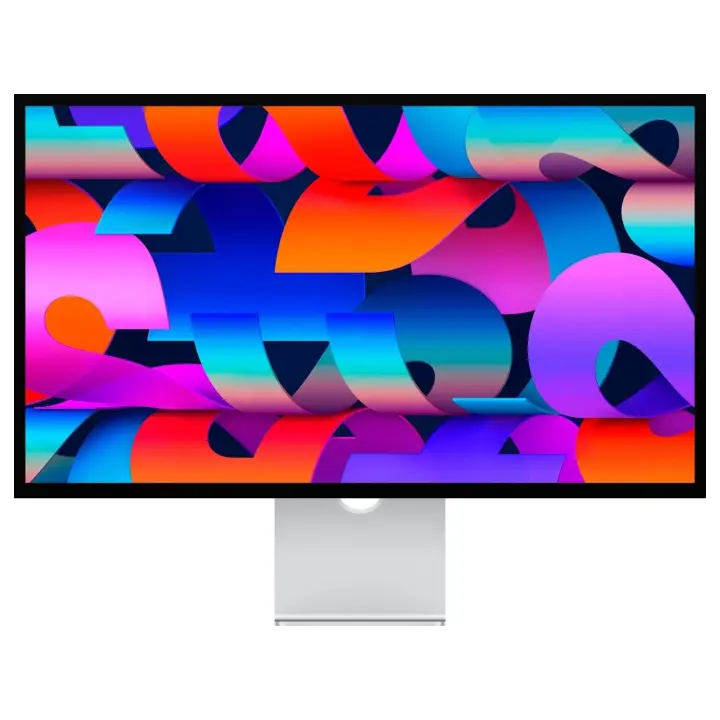
vs
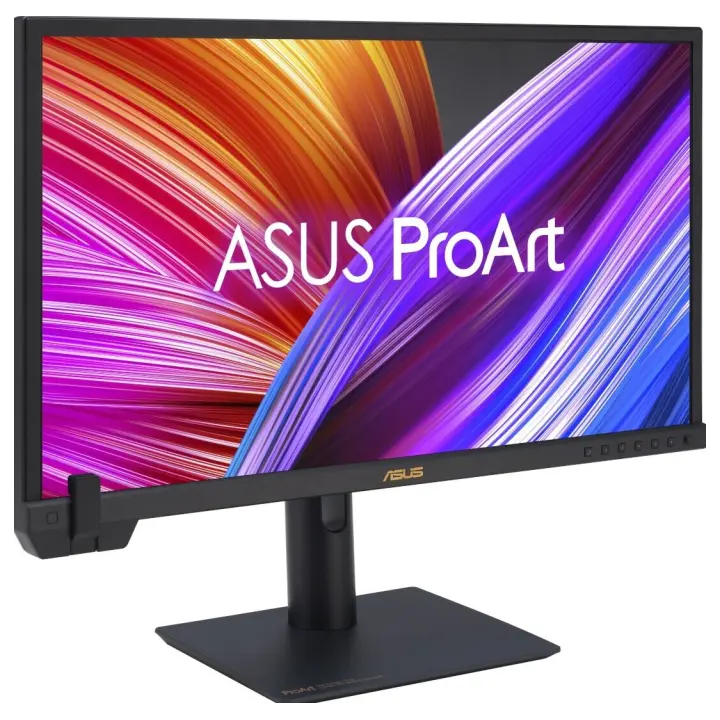
9.6Screen6.6
5.3Connectivity4.5
Dimensions
Size comparison
Studio DisplayProArt PA24US
| Studio Display | ProArt PA24US | Difference | |
|---|---|---|---|
| Height | 362 mm | 521 mm | −159 mm |
| Width | 623 mm | 549 mm | +74 mm |
| Depth | 31 mm | 190 mm | −159 mm |
| Weight | 6.3 kg | 6 kg | +0.3 kg |
Drawn to the same scale from the official dimensions (front and side).
Why is Studio Display better than ProArt PA24US?
- Brightness (typical)600 nits vs 350 nits+71%
- Pixel density218 ppi vs 187 ppi+17%
- Screen size27″ vs 23.6″+14%
Why is ProArt PA24US better than Studio Display?
- Weight6.3 kg vs 6 kg+5%
Specifications
Side by side
| Display | ||
| Screen size | 27″ | 23.6″ |
| Resolution | 5120 × 2880 | 3840 × 2160 |
| Resolution class | 5K | 4K UHD |
| Pixel density | 218 ppi | 187 ppi |
| Aspect ratio | 16:9 | 16:9 |
| Panel type | IPS | IPS |
| Refresh rate | 60 Hz | 60 Hz |
| Brightness (typical) | 600 nits | 350 nits |
| Peak brightness (HDR) | — | 600 nits |
| Contrast ratio (static) | — | 1,000:1 |
| Response time | — | 5 ms |
| Anti-glare / matte screen | Yes | Yes |
| Colour | ||
| sRGB coverage | — | 100% |
| Adobe RGB coverage | — | 99% |
| DCI-P3 coverage | — | 95% |
| Colour accuracy (ΔE, claimed) | — | ΔE 1 |
| Colour depth | 10 bit | 10 bit |
| Hardware calibration | — | Yes |
| HDR | — | HDR10 |
| Connectivity | ||
| USB-C video input (one cable) | Yes | Yes |
| USB-C charging (Power Delivery) | — | 80 W |
| Thunderbolt | Yes | — |
| HDMI inputs | — | 2 |
| DisplayPort inputs | — | 1 |
| USB hub | Yes | Yes |
| Built-in speakers | Yes | Yes |
| Built-in webcam | Yes | — |
| Design & ergonomics | ||
| Height adjustment | — | 130 mm |
| Pivot (portrait rotation) | — | Yes |
| Swivel | — | Yes |
| VESA mount | — | 100 × 100 mm |
| Weight | 6.3 kg | 6 kg |
| Width | 623 mm | 549 mm |
| Height | 362 mm | 521 mm |
| Depth | 31 mm | 190 mm |
| Product line | — | ASUS ProArt |
Related comparisons
 vs
vs
 EIZO ColorEdge CG2700XvsApple Studio Display
8.49.3
EIZO ColorEdge CG2700XvsApple Studio Display
8.49.3
 vs
BenQ PD3225UvsApple Studio Display
8.39.3
vs
BenQ PD3225UvsApple Studio Display
8.39.3
 vs
BenQ SW272UvsApple Studio Display
8.39.3
vs
BenQ SW272UvsApple Studio Display
8.39.3
 vs
Dell UltraSharp U4025QWvsApple Studio Display
8.89.3
vs
Dell UltraSharp U4025QWvsApple Studio Display
8.89.3
 vs
vs
 Asus ProArt PA24USvsAsus ProArt PA27DCE
7.47.7
vs
Asus ProArt PA24USvsAsus ProArt PA27DCE
7.47.7
vs
 Asus ProArt PA24USvsDell UltraSharp UP2720QA
7.47.8
Asus ProArt PA24USvsDell UltraSharp UP2720QA
7.47.8