- opendesign.foundation
- Compare
- ProArt PA279CRV vs VP2786A-4K
Asus ProArt PA279CRV vs ViewSonic VP2786A-4K
What ProArt PA279CRV does better (2) and where VP2786A-4K wins (1) — every spec side by side.
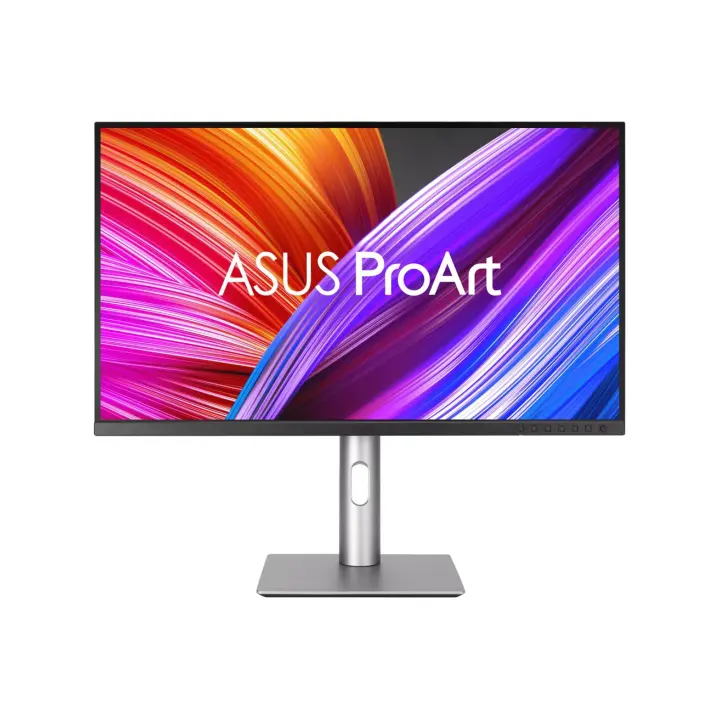
vs
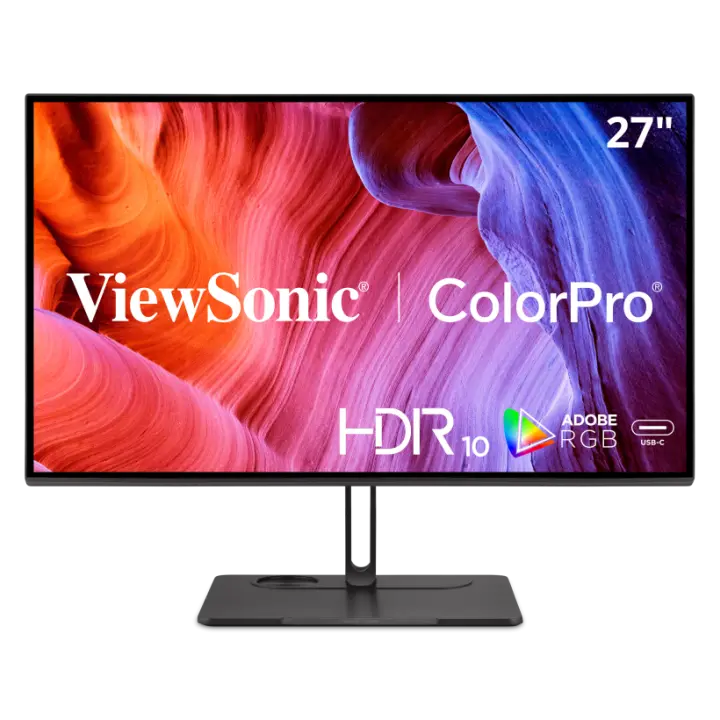
6.6Screen7.4
5.9Colour accuracy7.1
9.5Connectivity6.7
8.3Design & ergonomics5.8
Dimensions
Size comparison
ProArt PA279CRVVP2786A-4K
| ProArt PA279CRV | VP2786A-4K | Difference | |
|---|---|---|---|
| Height | 538.1 mm | 449.1 mm | +89 mm |
| Width | 612.2 mm | 613 mm | −0.8 mm |
| Depth | 215 mm | 232 mm | −17 mm |
| Weight | 5.8 kg | 8.3 kg | −2.5 kg |
Drawn to the same scale from the official dimensions (front and side).
Why is ProArt PA279CRV better than VP2786A-4K?
- USB-C charging (Power Delivery)96 W vs 90 W+7%
- Weight5.78 kg vs 8.3 kg+44%
Why is VP2786A-4K better than ProArt PA279CRV?
- Contrast ratio (static)1,000:1 vs 1,300:1+30%
Specifications
Side by side
| Display | ||
| Screen size | 27″ | 27″ |
| Resolution | 3840 × 2160 | 3840 × 2160 |
| Resolution class | 4K UHD | 4K UHD |
| Pixel density | 163 ppi | 163 ppi |
| Aspect ratio | 16:9 | 16:9 |
| Panel type | IPS | IPS |
| Refresh rate | 60 Hz | — |
| Brightness (typical) | 350 nits | 350 nits |
| Peak brightness (HDR) | 400 nits | — |
| Contrast ratio (static) | 1,000:1 | 1,300:1 |
| Response time | 5 ms | 5 ms |
| Anti-glare / matte screen | Yes | Yes |
| Colour | ||
| sRGB coverage | 100% | — |
| Adobe RGB coverage | 99% | 100% |
| DCI-P3 coverage | 99% | 98% |
| Colour accuracy (ΔE, claimed) | ΔE 2 | ΔE 2 |
| Colour depth | 10 bit | 10 bit |
| Hardware calibration | — | Yes |
| Factory calibrated (report) | — | Yes |
| HDR | HDR10 | — |
| Uniformity compensation | — | Yes |
| Connectivity | ||
| USB-C video input (one cable) | Yes | Yes |
| USB-C charging (Power Delivery) | 96 W | 90 W |
| HDMI inputs | 2 | 2 |
| DisplayPort inputs | 1 | 1 |
| USB hub | Yes | — |
| Built-in speakers | Yes | Yes |
| Design & ergonomics | ||
| Height adjustment | 130 mm | 130 mm |
| Pivot (portrait rotation) | Yes | Yes |
| Swivel | Yes | Yes |
| VESA mount | 100 × 100 mm | — |
| Weight | 5.78 kg | 8.3 kg |
| Width | 612 mm | 613 mm |
| Height | 538 mm | 449 mm |
| Depth | 215 mm | 232 mm |
| Product line | ASUS ProArt | — |
Related comparisons
 vs
 Asus ProArt PA279CRVvsDell UltraSharp U2724DE
8.78.0
vs
 Asus ProArt PA279CRVvsLG UltraFine 27UQ850
8.78.0
vs
 Asus ProArt PA279CRVvsLenovo ThinkVision P27u-20
8.79.0
vs
 Asus ProArt PA279CRVvsLenovo ThinkVision P27qd-40
8.78.6
 vs
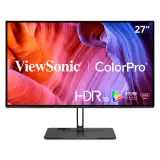
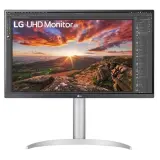 ViewSonic VP2786A-4KvsLG UltraFine 27UP850K
8.48.7
vs
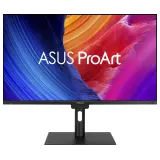 ViewSonic VP2786A-4KvsAsus ProArt PA32UCE
8.48.1