- opendesign.foundation
- Compare
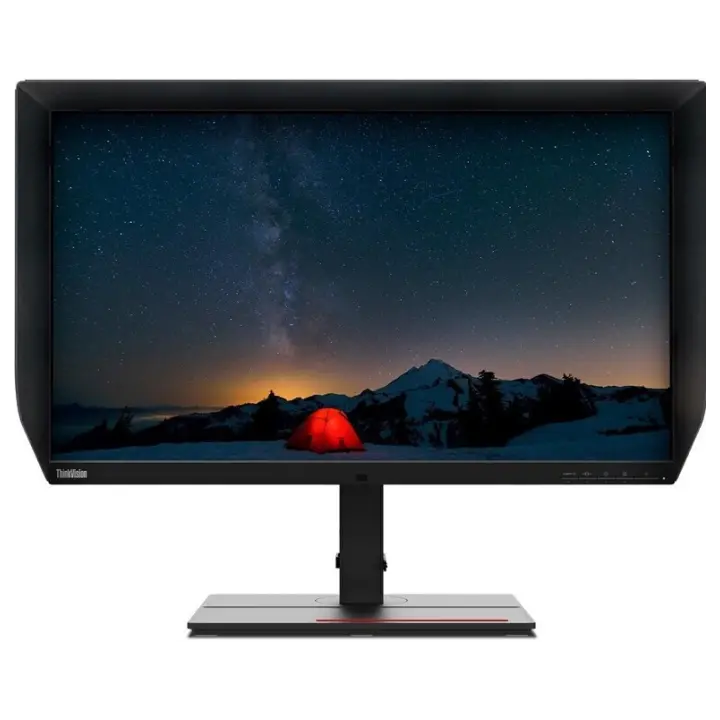
- ProArt PA27UCGE vs ThinkVision P27u-20
Asus ProArt PA27UCGE vs Lenovo ThinkVision P27u-20
What ProArt PA27UCGE does better (4) and where ThinkVision P27u-20 wins (1) — every spec side by side.
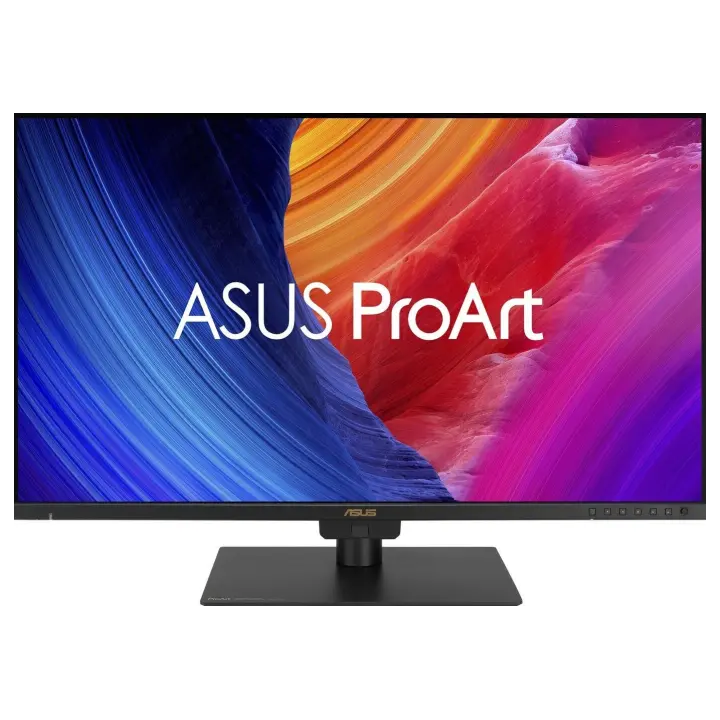
vs
9.4Screen6.7
7.0Colour accuracy9.1
8.9Connectivity6.6
Why is ProArt PA27UCGE better than ThinkVision P27u-20?
- Brightness (typical)600 nits vs 400 nits+50%
- Refresh rate160 Hz vs 60 Hz2.7×
- Response time1 ms vs 6 ms6×
- Peak brightness (HDR)600 nits vs 450 nits+33%
Why is ThinkVision P27u-20 better than ProArt PA27UCGE?
- HDRHDR10 vs DisplayHDR 400
Specifications
Side by side
| Display | ||
| Screen size | 27″ | 27″ |
| Resolution | 3840 × 2160 | 3840 × 2160 |
| Resolution class | 4K UHD | 4K UHD |
| Pixel density | 163 ppi | 163 ppi |
| Aspect ratio | 16:9 | 16:9 |
| Panel type | IPS | IPS |
| Refresh rate | 160 Hz | 60 Hz |
| Brightness (typical) | 600 nits | 400 nits |
| Peak brightness (HDR) | 600 nits | 450 nits |
| Contrast ratio (static) | 1,000:1 | 1,000:1 |
| Response time | 1 ms | 6 ms |
| Anti-glare / matte screen | Yes | Yes |
| Colour | ||
| sRGB coverage | 100% | 100% |
| Adobe RGB coverage | — | 99.5% |
| DCI-P3 coverage | 98% | 99.1% |
| Rec. 2020 coverage | — | 83.7% |
| Colour accuracy (ΔE, claimed) | ΔE 1 | — |
| Colour depth | 10 bit | 10 bit |
| Hardware calibration | Yes | — |
| HDR | HDR10 | DisplayHDR 400 |
| Connectivity | ||
| USB-C video input (one cable) | Yes | Yes |
| USB-C charging (Power Delivery) | 96 W | — |
| Thunderbolt | — | Yes |
| KVM switch | Yes | Yes |
| HDMI inputs | 2 | 2 |
| DisplayPort inputs | 1 | 1 |
| USB hub | Yes | Yes |
| Ethernet (RJ45) | — | Yes |
| Built-in speakers | Yes | Yes |
| Design & ergonomics | ||
| Height adjustment | 120 mm | — |
| Pivot (portrait rotation) | Yes | — |
| Swivel | Yes | — |
| VESA mount | 100 × 100 mm | — |
| Weight | 6.4 kg | — |
| Width | 612 mm | — |
| Height | 575 mm | — |
| Depth | 202 mm | — |
| Product line | ASUS ProArt | Lenovo ThinkVision |
Related comparisons
 vs
vs
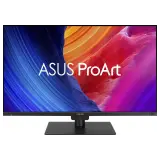 Dell UltraSharp U2725QEvsAsus ProArt PA27UCGE
9.69.2
Dell UltraSharp U2725QEvsAsus ProArt PA27UCGE
9.69.2
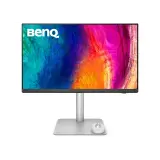 vs
BenQ PD2730SvsAsus ProArt PA27UCGE
9.09.2
vs
BenQ PD2730SvsAsus ProArt PA27UCGE
9.09.2
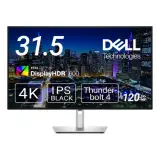 vs
Dell UltraSharp U3225QEvsAsus ProArt PA27UCGE
9.49.2
vs
Dell UltraSharp U3225QEvsAsus ProArt PA27UCGE
9.49.2
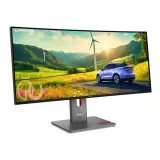 vs
Lenovo ThinkVision P34wd-40vsAsus ProArt PA27UCGE
8.89.2
vs
Lenovo ThinkVision P34wd-40vsAsus ProArt PA27UCGE
8.89.2
 vs
ViewSonic VP2488-4KvsAsus ProArt PA27UCGE
9.29.2
vs
ViewSonic VP2488-4KvsAsus ProArt PA27UCGE
9.29.2
 vs
Lenovo ThinkVision P27ud-40vsAsus ProArt PA27UCGE
9.59.2
vs
Lenovo ThinkVision P27ud-40vsAsus ProArt PA27UCGE
9.59.2