- opendesign.foundation
- Compare
- Inspiroy Frego vs Kamvas Studio 16
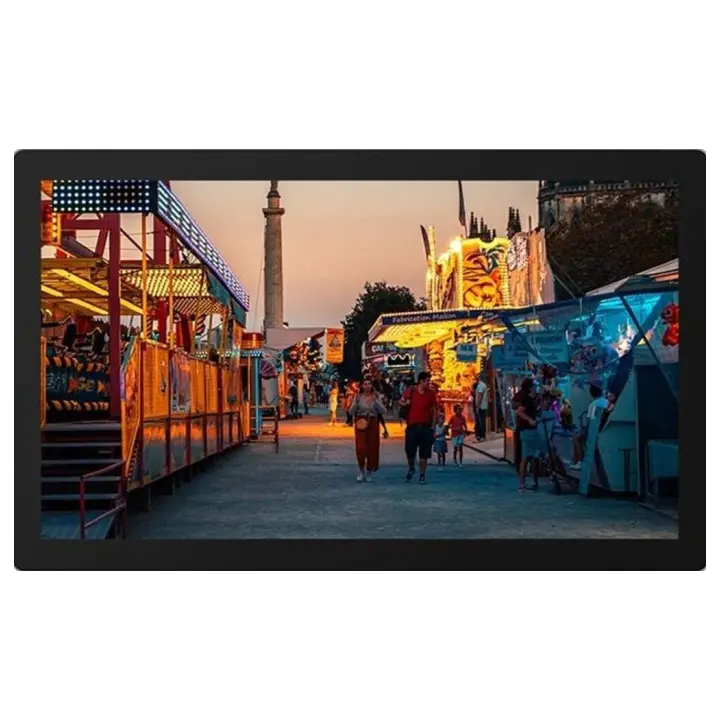
Huion Inspiroy Frego vs Huion Kamvas Studio 16
What Inspiroy Frego does better (0) and where Kamvas Studio 16 wins (1) — every spec side by side.
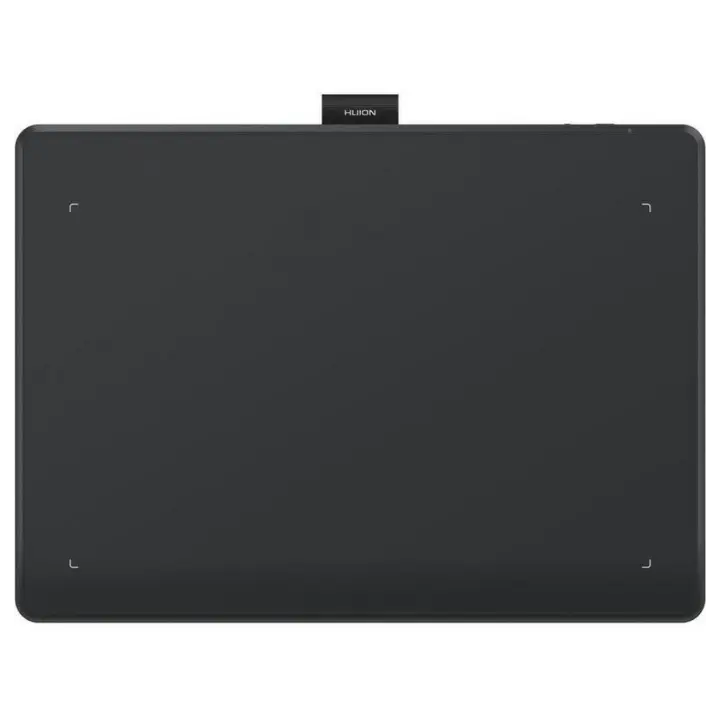
vs
8.4Pen & controls9.0
8.5Connectivity9.8
Why is Inspiroy Frego better than Kamvas Studio 16?
Inspiroy Frego has no measurable advantages in this pair.
Why is Kamvas Studio 16 better than Inspiroy Frego?
- Multi-touchNo · Inspiroy Frego: Yes
Specifications
Side by side
| Display | ||
| Screen size | — | 15.8″ |
| Resolution | — | 2560 × 1440 |
| Resolution class | — | QHD / 2.5K |
| Pixel density | — | 186 ppi |
| Aspect ratio | — | 16:9 |
| Panel type | — | IPS |
| Refresh rate | — | 60 Hz |
| Brightness (typical) | — | 400 nits |
| Contrast ratio (static) | — | 1,200:1 |
| Response time | — | 14 ms |
| Anti-glare / matte screen | — | Yes |
| Fully laminated screen | — | Yes |
| Colour | ||
| Colour depth | — | 8 bit |
| Pen & controls | ||
| Pressure levels | 8,192 | 8,192 |
| Tilt recognition | ±60° | ±60° |
| Active area | — | 349.6 × 196.7 mm |
| Active area width | — | 350 mm |
| Active area height | — | 197 mm |
| Active area (surface) | — | 688 cm² |
| Pen resolution | 5,080 lpi | 5,080 lpi |
| Report rate | 300 RPS | 300 RPS |
| Pen accuracy (centre) | ±0.3 mm | ±0.3 mm |
| Battery-free pen | Yes | Yes |
| Pen with eraser | Yes | — |
| Pen | — | PW550S Slim |
| Multi-touch | No | Yes |
| Standalone (built-in computer) | — | Yes |
| Connectivity | ||
| USB-C video input (one cable) | — | Yes |
| Wireless connection | Yes | Yes |
| Bluetooth | Yes | Yes |
| Built-in speakers | — | Yes |
| Built-in webcam | — | Yes |
| Compatibility | Windows, macOS, Linux, Android, ChromeOS | Windows |
| Design & ergonomics | ||
| Stand | — | Adjustable stand ST200 |
| Weight | — | 1.7 kg |
| Width | — | 384 mm |
| Height | — | 234 mm |
| Depth | — | 12 mm |
| Product line | Huion Inspiroy | Huion Kamvas |

Related comparisons
 vs
 XP-Pen Deco Mini7W V2vsHuion Inspiroy Frego
9.09.5
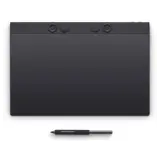 vs
Wacom Intuos Pro LargevsHuion Inspiroy Frego
7.79.5
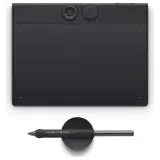 vs
Wacom Intuos Pro SmallvsHuion Inspiroy Frego
9.69.5
 vs
GAOMON WH851vsHuion Inspiroy Frego
9.49.5
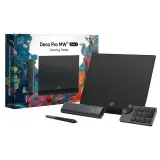 vs
XP-Pen Deco Pro (Gen 2)vsHuion Inspiroy Frego
8.59.5
 vs
Huion Inspiroy RTS-300vsHuion Inspiroy Frego
9.79.5