- opendesign.foundation
- Compare
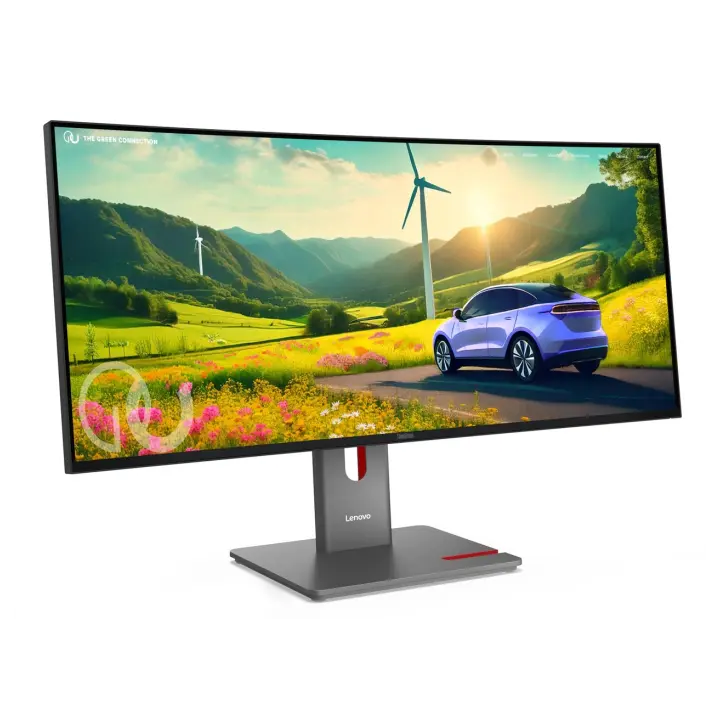
- ThinkVision P27u-20 vs ThinkVision P34wd-40
Lenovo ThinkVision P27u-20 vs Lenovo ThinkVision P34wd-40
What ThinkVision P27u-20 does better (4) and where ThinkVision P34wd-40 wins (4) — every spec side by side.
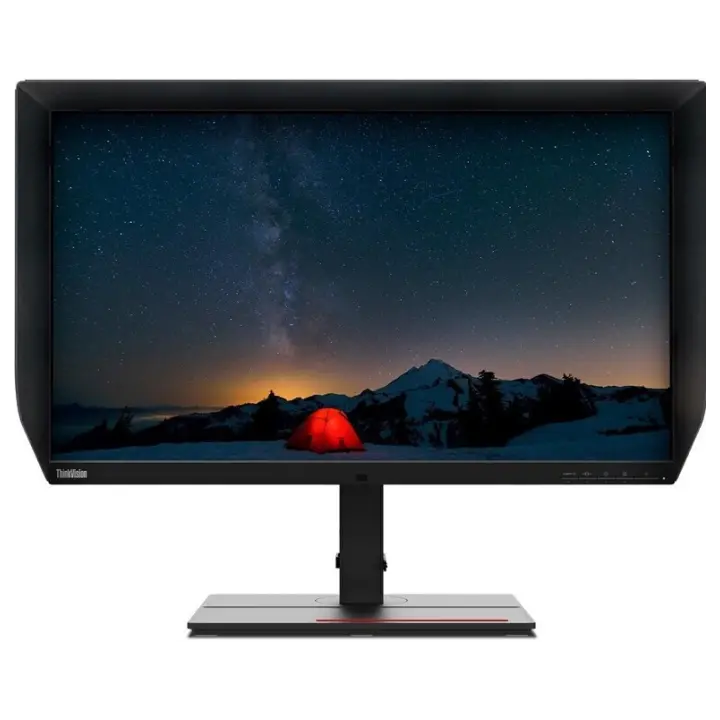
vs
6.7Screen7.5
6.6Connectivity8.5
Why is ThinkVision P27u-20 better than ThinkVision P34wd-40?
- Pixel density163 ppi vs 110 ppi+48%
- HDRDisplayHDR 400 vs HDR10
- HDMI inputs2 vs 12×
- Brightness (typical)400 nits vs 350 nits+14%
Why is ThinkVision P34wd-40 better than ThinkVision P27u-20?
- Refresh rate60 Hz vs 120 Hz2×
- Contrast ratio (static)1,000:1 vs 2,000:12×
- Response time6 ms vs 4 ms+50%
- Screen size27″ vs 34″+26%
Specifications
Side by side
| Display | ||
| Screen size | 27″ | 34″ |
| Resolution | 3840 × 2160 | 3440 × 1440 |
| Resolution class | 4K UHD | Ultrawide QHD |
| Pixel density | 163 ppi | 110 ppi |
| Aspect ratio | 16:9 | 21:9 |
| Panel type | IPS | IPS |
| Refresh rate | 60 Hz | 120 Hz |
| Brightness (typical) | 400 nits | 350 nits |
| Peak brightness (HDR) | 450 nits | — |
| Contrast ratio (static) | 1,000:1 | 2,000:1 |
| Response time | 6 ms | 4 ms |
| Anti-glare / matte screen | Yes | Yes |
| Curved screen | — | Yes |
| Colour | ||
| sRGB coverage | 100% | 99% |
| Adobe RGB coverage | 99.5% | — |
| DCI-P3 coverage | 99.1% | 98% |
| Rec. 2020 coverage | 83.7% | — |
| Colour depth | 10 bit | — |
| HDR | DisplayHDR 400 | HDR10 |
| Connectivity | ||
| USB-C video input (one cable) | Yes | Yes |
| USB-C charging (Power Delivery) | — | 140 W |
| Thunderbolt | Yes | — |
| KVM switch | Yes | Yes |
| HDMI inputs | 2 | 1 |
| DisplayPort inputs | 1 | 1 |
| USB hub | Yes | Yes |
| Ethernet (RJ45) | Yes | — |
| Built-in speakers | Yes | Yes |
| Design & ergonomics | ||
| Height adjustment | — | 155 mm |
| Swivel | — | Yes |
| VESA mount | — | 100 × 100 mm |
| Weight | — | 10 kg |
| Width | — | 817 mm |
| Height | — | 549 mm |
| Depth | — | 220 mm |
| Product line | Lenovo ThinkVision | — |
Related comparisons
 vs
vs
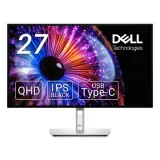
 Asus ProArt PA279CRVvsLenovo ThinkVision P27u-20
8.69.0
Asus ProArt PA279CRVvsLenovo ThinkVision P27u-20
8.69.0
 vs
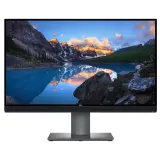
Dell UltraSharp U2724DEvsLenovo ThinkVision P27u-20
7.99.0
vs
Dell UltraSharp U2724DEvsLenovo ThinkVision P27u-20
7.99.0
 vs
Dell UltraSharp UP2720QvsLenovo ThinkVision P27u-20
8.19.0
vs
Dell UltraSharp UP2720QvsLenovo ThinkVision P27u-20
8.19.0
 vs
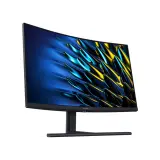
Huawei MateView GTvsLenovo ThinkVision P27u-20
vs
Huawei MateView GTvsLenovo ThinkVision P27u-20
 vs
vs
 Lenovo ThinkVision P34wd-40vsAsus ProArt PA27UCGE
8.89.2
Lenovo ThinkVision P34wd-40vsAsus ProArt PA27UCGE
8.89.2
 vs
Dell UltraSharp U2725QEvsLenovo ThinkVision P34wd-40
9.68.8
vs
Dell UltraSharp U2725QEvsLenovo ThinkVision P34wd-40
9.68.8