- opendesign.foundation
- Compare
- Intuos Pro Small vs XMCTBMJPKR-SE
Wacom Intuos Pro Small vs Xencelabs XMCTBMJPKR-SE
What Intuos Pro Small does better (1) and where XMCTBMJPKR-SE wins (1) — every spec side by side.
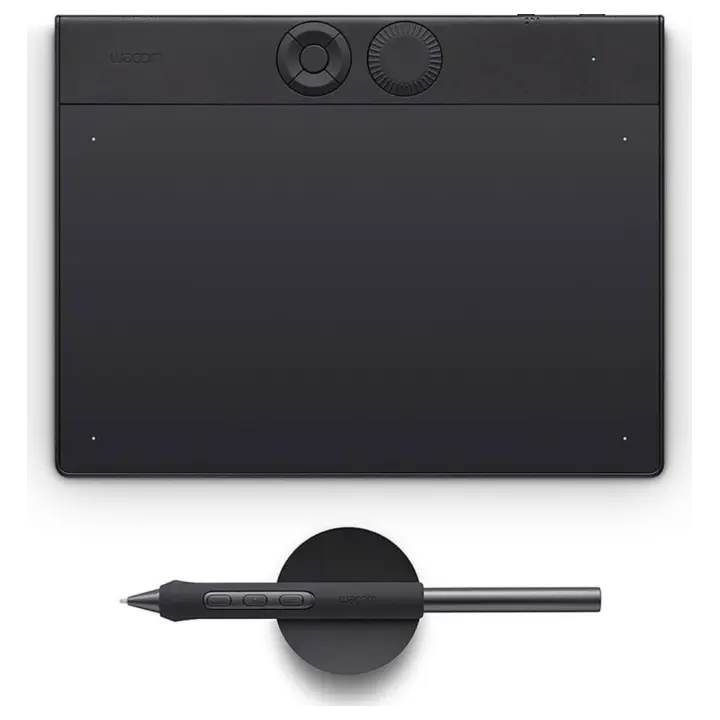
vs
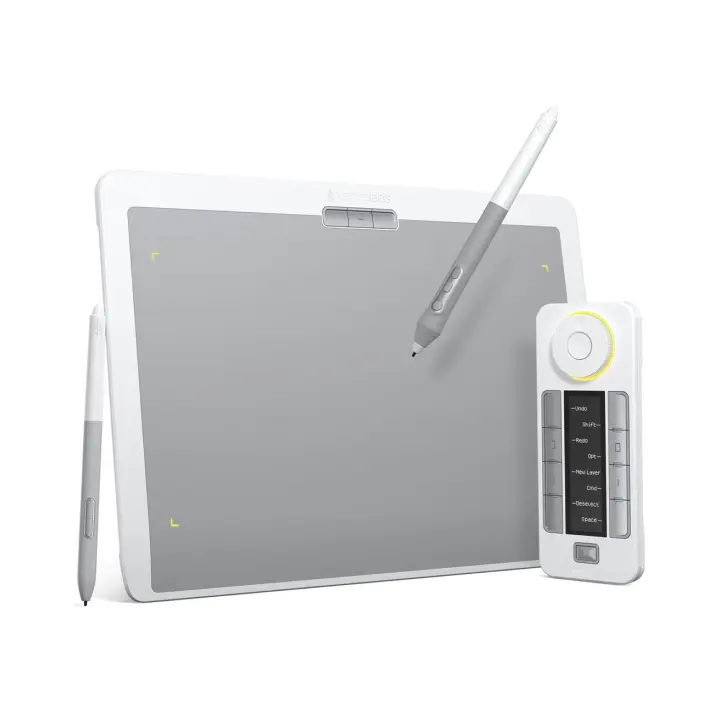
8.6Design & ergonomics2.7
Dimensions
Size comparison
Intuos Pro SmallXMCTBMJPKR-SE
| Intuos Pro Small | XMCTBMJPKR-SE | Difference | |
|---|---|---|---|
| Height | 163 mm | 232 mm | −69 mm |
| Width | 215 mm | 320 mm | −105 mm |
| Depth | 7 mm | 8 mm | −1 mm |
| Weight | 0.2 kg | 0.7 kg | −0.5 kg |
Drawn to the same scale from the official dimensions (front and side).
Why is Intuos Pro Small better than XMCTBMJPKR-SE?
- Weight0.24 kg vs 0.71 kg3×
Why is XMCTBMJPKR-SE better than Intuos Pro Small?
- Active area (surface)196 cm² vs 387 cm²+97%
Specifications
Side by side
| Pen & controls | ||
| Pressure levels | 8,192 | 8,192 |
| Tilt recognition | ±60° | — |
| Active area | 187 × 105 mm | 262.4 × 147.4 mm |
| Active area width | 187 mm | 262 mm |
| Active area height | 105 mm | 147 mm |
| Active area (surface) | 196 cm² | 387 cm² |
| Pen resolution | 5,080 lpi | — |
| Battery-free pen | Yes | — |
| Multi-touch | No | — |
| Connectivity | ||
| Wireless connection | Yes | — |
| Bluetooth | Yes | — |
| Compatibility | Windows, macOS | — |
| Design & ergonomics | ||
| Weight | 0.24 kg | 0.71 kg |
| Width | 215 mm | 320 mm |
| Height | 163 mm | 232 mm |
| Depth | 7 mm | 8 mm |
| Product line | Wacom Intuos | — |
Related comparisons
 vs
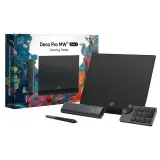 Wacom Intuos Pro SmallvsXP-Pen Deco Pro (Gen 2)
9.68.5
vs
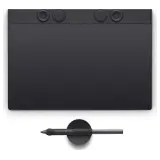 Wacom Intuos Pro SmallvsWacom Intuos Pro Medium
9.68.2
vs
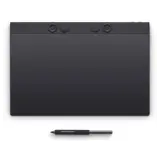 Wacom Intuos Pro SmallvsWacom Intuos Pro Large
9.67.7
vs
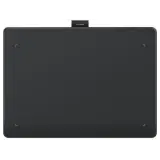 Wacom Intuos Pro SmallvsHuion Inspiroy Frego
9.69.5
vs
 Wacom Intuos Pro SmallvsXP-Pen Deco 01 V2
9.64.2
vs
 Wacom Intuos Pro SmallvsXP-Pen Deco Pro MW (Gen 2)
9.69.1