- opendesign.foundation
- Compare
- ProArt PA278QGV vs VP2456A
Asus ProArt PA278QGV vs ViewSonic VP2456A
What ProArt PA278QGV does better (4) and where VP2456A wins (0) — every spec side by side.
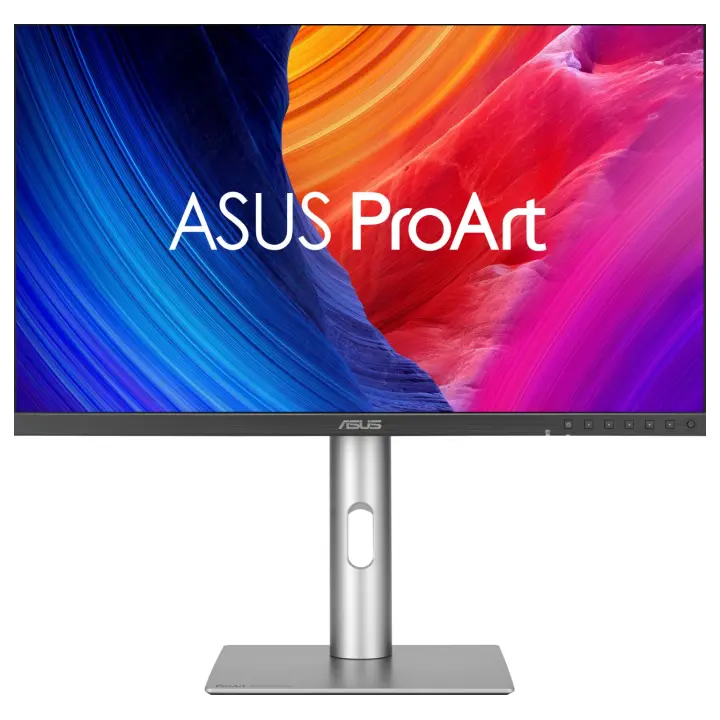
vs
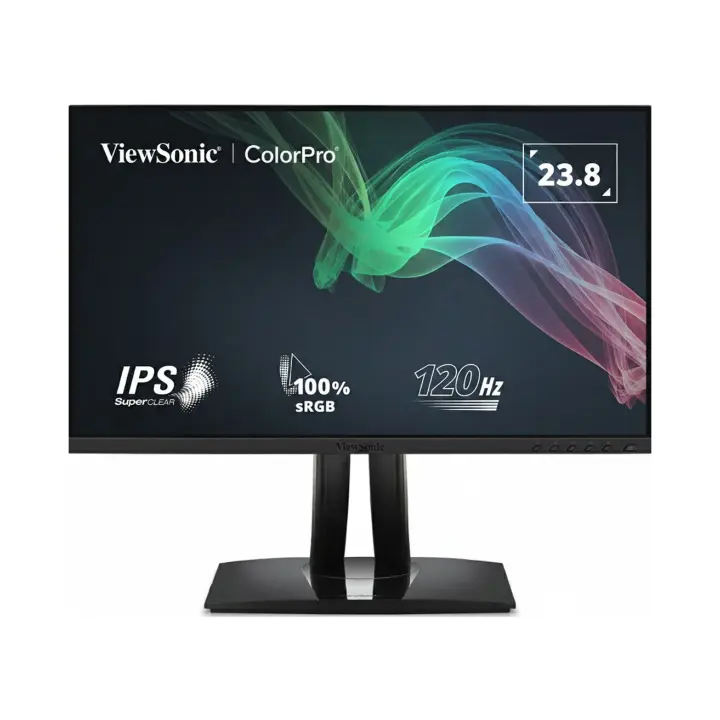
5.0Screen2.6
4.4Colour accuracy3.7
5.8Design & ergonomics7.5
Why is ProArt PA278QGV better than VP2456A?
- Pixel density109 ppi vs 92 ppi+18%
- Brightness (typical)350 nits vs 250 nits+40%
- Colour depth10 bit vs 8 bit+25%
- Screen size27″ vs 24″+12%
Why is VP2456A better than ProArt PA278QGV?
VP2456A has no measurable advantages in this pair.
Specifications
Side by side
| Display | ||
| Screen size | 27″ | 24″ |
| Resolution | 2560 × 1440 | 1920 × 1080 |
| Resolution class | QHD / 2.5K | Full HD |
| Pixel density | 109 ppi | 92 ppi |
| Aspect ratio | 16:9 | 16:9 |
| Panel type | IPS | IPS |
| Refresh rate | 120 Hz | 120 Hz |
| Brightness (typical) | 350 nits | 250 nits |
| Contrast ratio (static) | 1,500:1 | 1,500:1 |
| Response time | 5 ms | 5 ms |
| Anti-glare / matte screen | Yes | Yes |
| Colour | ||
| sRGB coverage | 100% | 100% |
| DCI-P3 coverage | 95% | — |
| Colour accuracy (ΔE, claimed) | — | ΔE 2 |
| Colour depth | 10 bit | 8 bit |
| Hardware calibration | — | Yes |
| Factory calibrated (report) | — | Yes |
| HDR | HDR10 | — |
| Connectivity | ||
| USB-C video input (one cable) | — | Yes |
| USB-C charging (Power Delivery) | — | 90 W |
| HDMI inputs | 1 | 1 |
| DisplayPort inputs | 1 | 1 |
| USB hub | Yes | Yes |
| Built-in speakers | Yes | Yes |
| Design & ergonomics | ||
| Height adjustment | 130 mm | 130 mm |
| Pivot (portrait rotation) | Yes | Yes |
| Swivel | Yes | Yes |
| VESA mount | 100 × 100 mm | 100 × 100 mm |
| Weight | — | 6.5 kg |
| Width | — | 539 mm |
| Height | — | 388 mm |
| Depth | — | 215 mm |
| Product line | ASUS ProArt | — |
Related comparisons
 vs
vs
 LG UltraFine 32U700BvsAsus ProArt PA278QGV
5.05.8
vs
LG UltraFine 32U700BvsAsus ProArt PA278QGV
5.05.8
vs
 Asus ProArt PA278QGVvsLG UltraFine 27US550
5.85.5
Asus ProArt PA278QGVvsLG UltraFine 27US550
5.85.5
 vs
LG UltraFine 27U710BvsAsus ProArt PA278QGV
5.15.8
vs
LG UltraFine 27U710BvsAsus ProArt PA278QGV
5.15.8
 vs
LG UltraFine 32U701BvsAsus ProArt PA278QGV
vs
LG UltraFine 32U701BvsAsus ProArt PA278QGV
 vs
ViewSonic VP2766-2KvsAsus ProArt PA278QGV
5.45.8
vs
vs
ViewSonic VP2766-2KvsAsus ProArt PA278QGV
5.45.8
vs
 LG UltraFine 32U700BvsViewSonic VP2456A
5.04.7
LG UltraFine 32U700BvsViewSonic VP2456A
5.04.7