- opendesign.foundation
- Compare
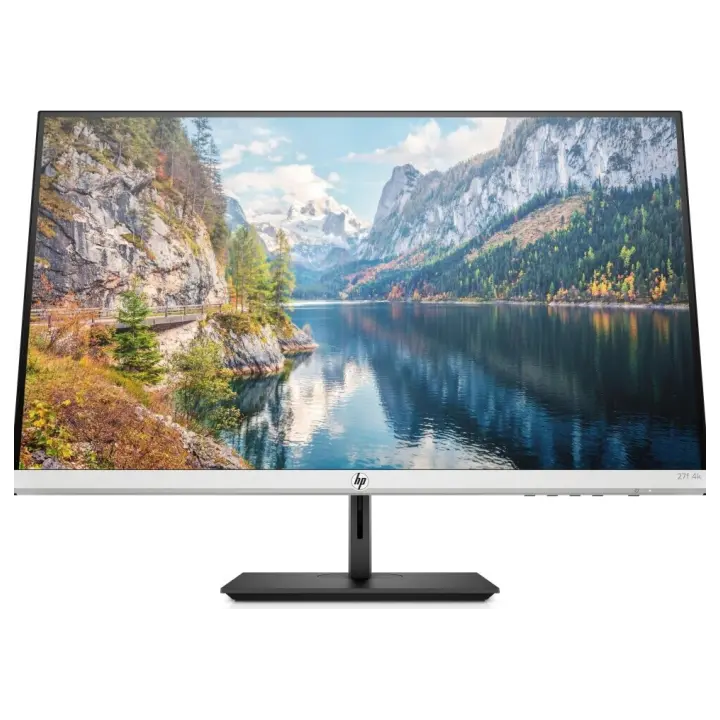
- UltraSharp UP2720Q vs ThinkVision P32p-20
Dell UltraSharp UP2720Q vs Lenovo ThinkVision P32p-20
What UltraSharp UP2720Q does better (4) and where ThinkVision P32p-20 wins (3) — every spec side by side.
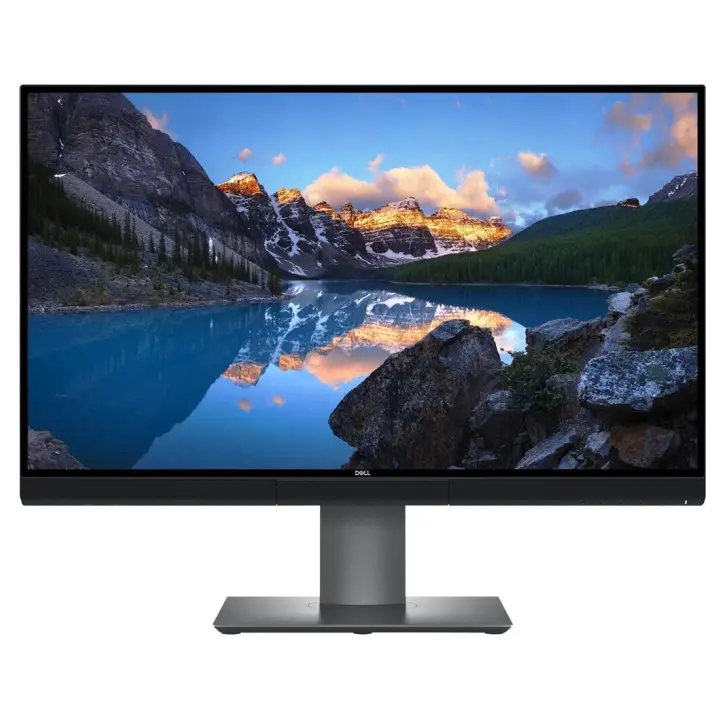
vs
4.3Screen4.7
8.8Colour accuracy3.1
7.5Connectivity3.9
6.8Design & ergonomics7.4
Why is UltraSharp UP2720Q better than ThinkVision P32p-20?
- Pixel density163 ppi vs 140 ppi+16%
- HDMI inputs2 vs 12×
- DCI-P3 coverage98% vs 90%+9%
- Contrast ratio (static)1,300:1 vs 1,000:1+30%
Why is ThinkVision P32p-20 better than UltraSharp UP2720Q?
- Brightness (typical)250 nits vs 350 nits+40%
- Response time8 ms vs 6 ms+33%
- Screen size27″ vs 31.5″+17%
Specifications
Side by side
| Display | ||
| Screen size | 27″ | 31.5″ |
| Resolution | 3840 × 2160 | 3840 × 2160 |
| Resolution class | 4K UHD | 4K UHD |
| Pixel density | 163 ppi | 140 ppi |
| Aspect ratio | 16:9 | 16:9 |
| Panel type | IPS | IPS |
| Refresh rate | 60 Hz | 60 Hz |
| Brightness (typical) | 250 nits | 350 nits |
| Contrast ratio (static) | 1,300:1 | 1,000:1 |
| Response time | 8 ms | 6 ms |
| Anti-glare / matte screen | Yes | Yes |
| Colour | ||
| sRGB coverage | — | 99% |
| Adobe RGB coverage | 100% | — |
| DCI-P3 coverage | 98% | 90% |
| Rec. 2020 coverage | 80% | — |
| Colour depth | 10 bit | 10 bit |
| Connectivity | ||
| USB-C video input (one cable) | Yes | — |
| Thunderbolt | Yes | — |
| KVM switch | — | Yes |
| HDMI inputs | 2 | 1 |
| DisplayPort inputs | 1 | 1 |
| USB hub | Yes | Yes |
| Ethernet (RJ45) | — | Yes |
| Design & ergonomics | ||
| Height adjustment | — | 135 mm |
| Pivot (portrait rotation) | Yes | Yes |
| Swivel | Yes | Yes |
| VESA mount | 100 × 100 mm | 100 × 100 mm |
| Product line | Dell UltraSharp | Lenovo ThinkVision |
Related comparisons
 vs
vs
 Dell UltraSharp UP2720QvsLenovo ThinkVision P27u-20
8.19.0
Dell UltraSharp UP2720QvsLenovo ThinkVision P27u-20
8.19.0
 vs
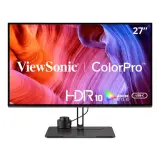
ViewSonic VP2786-4KvsDell UltraSharp UP2720Q
8.08.1
vs
ViewSonic VP2786-4KvsDell UltraSharp UP2720Q
8.08.1
 vs
vs
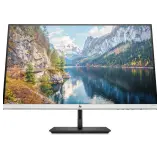 Asus ProArt PA328CGVvsLenovo ThinkVision P32p-20
5.65.2
Asus ProArt PA328CGVvsLenovo ThinkVision P32p-20
5.65.2
 vs
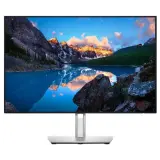
Dell UltraSharp U2421EvsLenovo ThinkVision P32p-20
4.95.2
vs
Dell UltraSharp U2421EvsLenovo ThinkVision P32p-20
4.95.2
 vs
Asus ProArt PA248QVvsLenovo ThinkVision P32p-20
4.25.2
vs
Asus ProArt PA248QVvsLenovo ThinkVision P32p-20
4.25.2
 vs
Dell UltraSharp U4021QWvsLenovo ThinkVision P32p-20
4.55.2
vs
Dell UltraSharp U4021QWvsLenovo ThinkVision P32p-20
4.55.2