- opendesign.foundation
- Compare
- Kamvas Pro 16 vs DTH-1152
Huion Kamvas Pro 16 vs Wacom DTH-1152
What Kamvas Pro 16 does better (5) and where DTH-1152 wins (0) — every spec side by side.
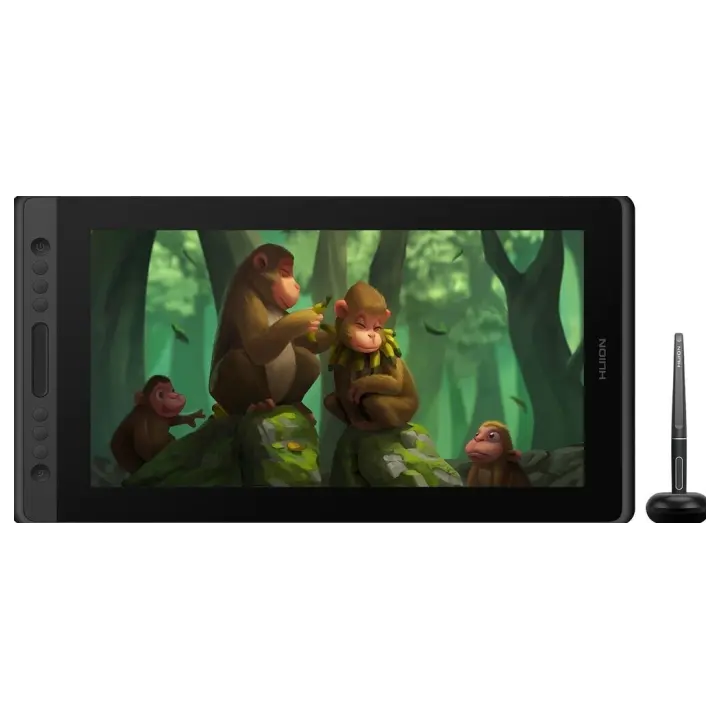
vs
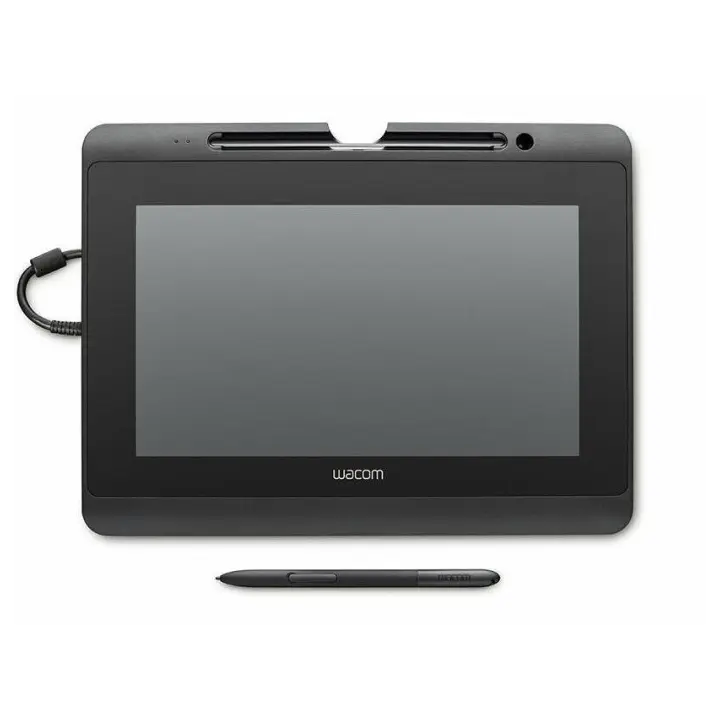
8.1Connectivity2.8
Why is Kamvas Pro 16 better than DTH-1152?
- Pressure levels8,192 vs 1,0248×
- USB-C video input (one cable)Yes · DTH-1152: No
- Pen resolution5,080 lpi vs 2,540 lpi2×
- Brightness (typical)220 nits vs 200 nits+10%
- Contrast ratio (static)1,000:1 vs 800:1+25%
Why is DTH-1152 better than Kamvas Pro 16?
DTH-1152 has no measurable advantages in this pair.
Specifications
Side by side
| Display | ||
| Screen size | 15.5″ | — |
| Resolution | 1920 × 1080 | 1920 × 1080 |
| Resolution class | Full HD | Full HD |
| Pixel density | 142 ppi | — |
| Aspect ratio | — | 16:9 |
| Panel type | IPS | — |
| Brightness (typical) | 220 nits | 200 nits |
| Contrast ratio (static) | 1,000:1 | 800:1 |
| Response time | 25 ms | — |
| Anti-glare / matte screen | Yes | — |
| Fully laminated screen | Yes | — |
| Colour | ||
| Colour depth | 8 bit | — |
| Pen & controls | ||
| Pressure levels | 8,192 | 1,024 |
| Tilt recognition | ±60° | — |
| Active area | 344.2 × 193.6 mm | — |
| Active area width | 344 mm | — |
| Active area height | 194 mm | — |
| Active area (surface) | 666 cm² | — |
| Pen resolution | 5,080 lpi | 2,540 lpi |
| Report rate | 220 RPS | — |
| Pen accuracy (centre) | ±0.5 mm | — |
| Battery-free pen | Yes | — |
| Pen | PW507 | — |
| Express keys | 6 | — |
| Multi-touch | No | — |
| Connectivity | ||
| USB-C video input (one cable) | Yes | No |
| HDMI inputs | — | 1 |
| Wireless connection | No | No |
| Compatibility | Windows, macOS, Linux | — |
| Design & ergonomics | ||
| Stand | Foldable Stand ST200/ST300 20°/45° | — |
| Weight | 1.35 kg | — |
| Width | 438 mm | — |
| Height | 251 mm | — |
| Depth | 12 mm | — |
| Product line | Huion Kamvas | Wacom Signature |
Related comparisons
 vs
 Huion Kamvas Pro 16vsHuion Kamvas Pro 27
5.95.6
 vs
Huion Kamvas Pro 19vsHuion Kamvas Pro 16
8.35.9
 vs
XP-Pen Artist 22 PlusvsHuion Kamvas Pro 16
5.15.9
 vs
XP-Pen Artist 24vsHuion Kamvas Pro 16
6.75.9
 vs
XP-Pen Artist 10 (Gen 2)vsHuion Kamvas Pro 16
4.55.9
vs
 Huion Kamvas Pro 16vsVEIKK Studio VK1200
5.95.7