- opendesign.foundation
- Compare
- SW242Q vs SW272Q
BenQ SW242Q vs BenQ SW272Q
What SW242Q does better (3) and where SW272Q wins (2) — every spec side by side.
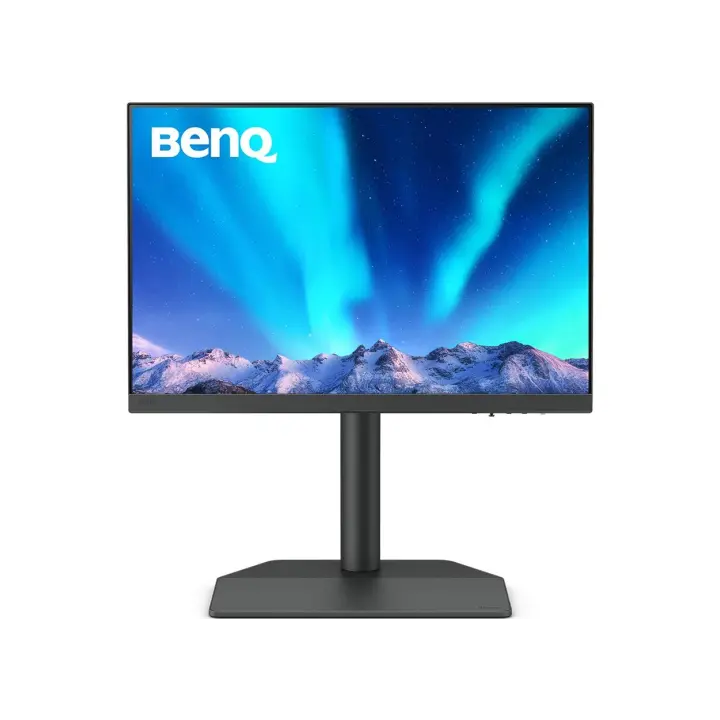
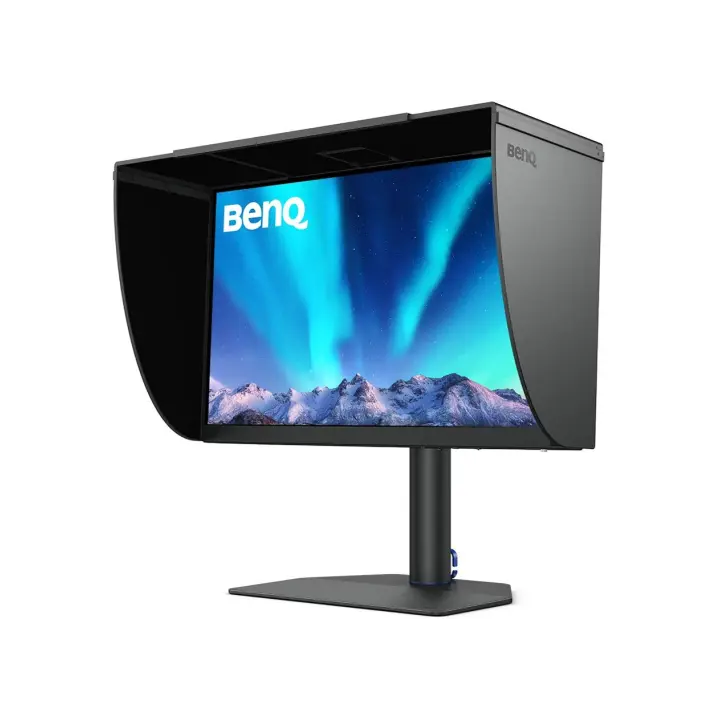
Dimensions
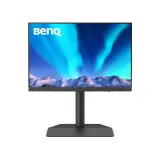
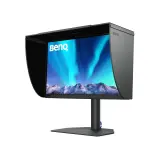
Size comparison
SW242QSW272Q
| SW242Q | SW272Q | Difference | |
|---|---|---|---|
| Height | 573 mm | 592 mm | −19 mm |
| Width | 533 mm | 614 mm | −81 mm |
| Depth | 263 mm | 274 mm | −11 mm |
| Weight | 7.8 kg | 8.3 kg | −0.5 kg |
Drawn to the same scale from the official dimensions (front and side).
Why is SW242Q better than SW272Q?
- Pixel density125 ppi vs 109 ppi+15%
- Brightness (typical)400 nits vs 300 nits+33%
- Weight7.8 kg vs 8.3 kg+6%
Why is SW272Q better than SW242Q?
- HDMI inputs1 vs 22×
- Screen size24.1″ vs 27″+12%
Specifications
Side by side
| Display | ||
| Screen size | 24.1″ | 27″ |
| Resolution | 2560 × 1600 | 2560 × 1440 |
| Resolution class | QHD / 2.5K | QHD / 2.5K |
| Pixel density | 125 ppi | 109 ppi |
| Aspect ratio | 16:10 | 16:9 |
| Panel type | IPS | IPS |
| Refresh rate | 60 Hz | 60 Hz |
| Brightness (typical) | 400 nits | 300 nits |
| Contrast ratio (static) | 1,000:1 | 1,000:1 |
| Response time | 5 ms | 5 ms |
| Anti-glare / matte screen | Yes | Yes |
| Colour | ||
| sRGB coverage | 100% | 100% |
| Adobe RGB coverage | 99% | 99% |
| DCI-P3 coverage | 98% | 98% |
| HDR | HDR10 | HDR10 |
| Connectivity | ||
| USB-C video input (one cable) | Yes | Yes |
| USB-C charging (Power Delivery) | 90 W | 90 W |
| KVM switch | Yes | — |
| HDMI inputs | 1 | 2 |
| DisplayPort inputs | 1 | 1 |
| USB hub | Yes | Yes |
| Design & ergonomics | ||
| Height adjustment | — | 140 mm |
| Pivot (portrait rotation) | Yes | Yes |
| Swivel | — | Yes |
| VESA mount | — | 100 × 100 mm |
| Weight | 7.8 kg | 8.3 kg |
| Width | 533 mm | 614 mm |
| Height | 573 mm | 592 mm |
| Depth | 263 mm | 274 mm |