- opendesign.foundation
- Compare
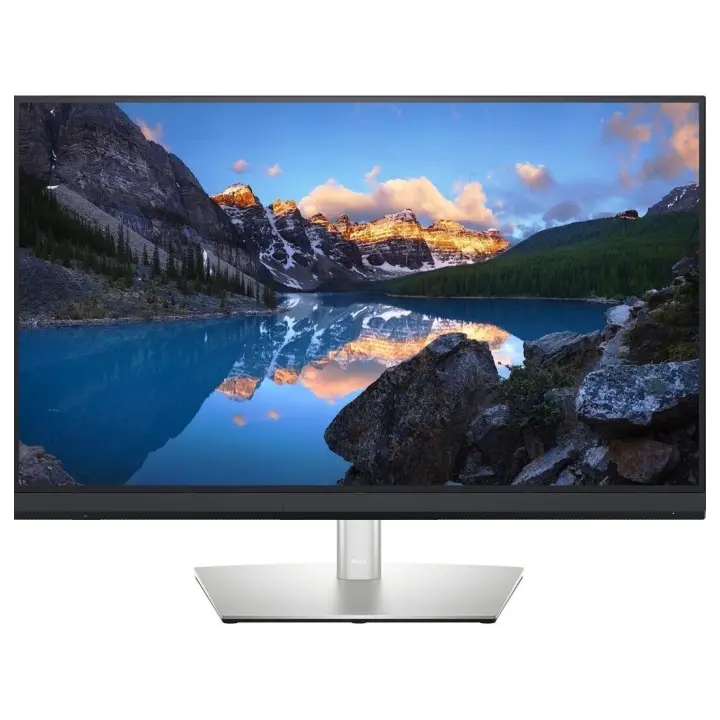
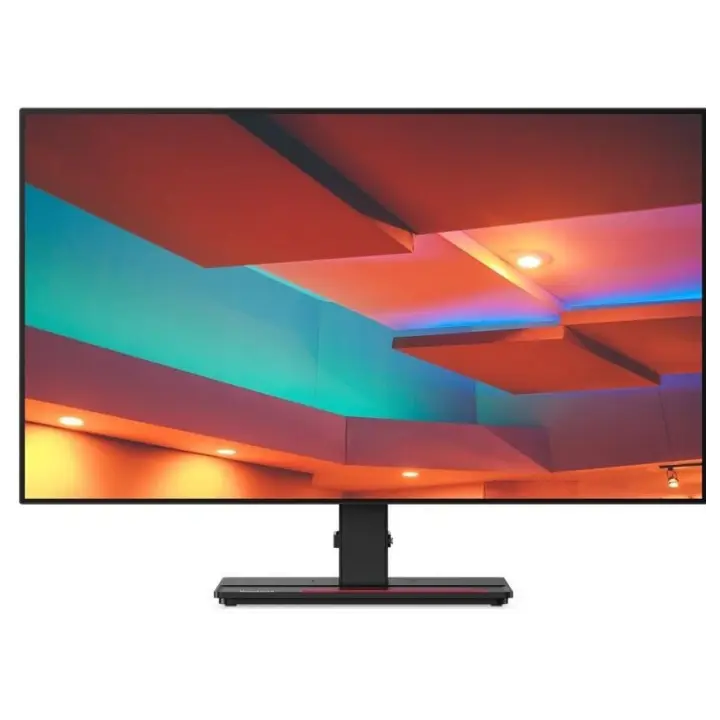
- UltraSharp UP3221Q vs ThinkVision P27q-20
Dell UltraSharp UP3221Q vs Lenovo ThinkVision P27q-20
What UltraSharp UP3221Q does better (7) and where ThinkVision P27q-20 wins (1) — every spec side by side.
vs
7.9Screen3.5
Why is UltraSharp UP3221Q better than ThinkVision P27q-20?
- Brightness (typical)1,000 nits vs 350 nits2.9×
- Pixel density140 ppi vs 109 ppi+28%
- Colour depth10 bit vs 8 bit+25%
- Panel typeMini-LED (IPS) vs IPS
- HDMI inputs2 vs 12×
- Contrast ratio (static)1,300:1 vs 1,000:1+30%
- Screen size31.5″ vs 27″+17%
Why is ThinkVision P27q-20 better than UltraSharp UP3221Q?
- Response time8 ms vs 4 ms2×
Specifications
Side by side
| Display | ||
| Screen size | 31.5″ | 27″ |
| Resolution | 3840 × 2160 | 2560 × 1440 |
| Resolution class | 4K UHD | QHD / 2.5K |
| Pixel density | 140 ppi | 109 ppi |
| Aspect ratio | 16:9 | 16:9 |
| Panel type | Mini-LED (IPS) | IPS |
| Refresh rate | 60 Hz | 60 Hz |
| Brightness (typical) | 1,000 nits | 350 nits |
| Contrast ratio (static) | 1,300:1 | 1,000:1 |
| Response time | 8 ms | 4 ms |
| Anti-glare / matte screen | Yes | Yes |
| Colour | ||
| sRGB coverage | — | 99% |
| Adobe RGB coverage | 93% | — |
| DCI-P3 coverage | 99.8% | — |
| Rec. 2020 coverage | 83% | — |
| Colour depth | 10 bit | 8 bit |
| HDR | DisplayHDR 1000 | — |
| Connectivity | ||
| HDMI inputs | 2 | 1 |
| DisplayPort inputs | 1 | 1 |
| USB hub | Yes | Yes |
| Design & ergonomics | ||
| Height adjustment | — | 135 mm |
| Pivot (portrait rotation) | — | Yes |
| Swivel | — | Yes |
| VESA mount | 100 × 100 mm | 100 × 100 mm |
| Weight | — | 7.12 kg |
| Width | — | 614 mm |
| Height | — | 442 mm |
| Depth | — | 208 mm |
| Product line | Dell UltraSharp | Lenovo ThinkVision |
Related comparisons
 vs
vs
 Dell UltraSharp UP3221QvsLenovo ThinkVision Creator Extreme
8.89.4
Dell UltraSharp UP3221QvsLenovo ThinkVision Creator Extreme
8.89.4
 vs
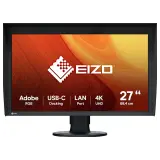
EIZO ColorEdge CG2700XvsDell UltraSharp UP3221Q
8.48.8
vs
EIZO ColorEdge CG2700XvsDell UltraSharp UP3221Q
8.48.8
 vs
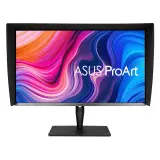
Asus ProArt PA32UCGvsDell UltraSharp UP3221Q
7.68.8
vs
Asus ProArt PA32UCGvsDell UltraSharp UP3221Q
7.68.8
 vs
vs
 Asus ProArt PA328CGVvsLenovo ThinkVision P27q-20
5.66.4
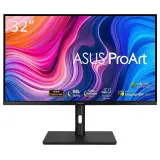
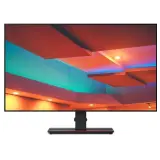
Asus ProArt PA328CGVvsLenovo ThinkVision P27q-20
5.66.4
 vs
Asus ProArt PA279CVvsLenovo ThinkVision P27q-20
6.66.4
vs
Asus ProArt PA279CVvsLenovo ThinkVision P27q-20
6.66.4
 vs
EIZO ColorEdge CS2740vsLenovo ThinkVision P27q-20
6.66.4
vs
EIZO ColorEdge CS2740vsLenovo ThinkVision P27q-20
6.66.4